
Intraoral Scan Strategy
affects accuracy
more than scanner brand
How operator technique, patient positioning, and systematic capture sequence determine the quality of your digital impressions—and why this matters for MARPE treatment planning.
TL;DR Intraoral scan strategy directly determines the accuracy and clinical utility of your digital impression. Systematic scanning technique — including operator positioning, sensor orientation, and arch sequencing — reduces distortion by 15–25% and eliminates common artifacts that compromise treatment planning for miniscrew-assisted expansion.
Intraoral scan strategy has become foundational to modern orthodontic diagnosis and treatment planning, yet operator technique remains inconsistently taught in residency programs. In this article, Dr. Mark Radzhabov examines the evidence-based scanning protocol — patient positioning, systematic capture sequence, and quality verification — that maximizes accuracy for complex cases including miniscrew-assisted rapid palatal expansion (MARPE) and skeletal correction. Understanding how scanning strategy affects your digital impressions is essential for predictable outcomes and efficient appliance fabrication.
What Is Intraoral Scan Strategy
scan strategy
and Why It Determines Accuracy
Intraoral scan strategy is a systematic protocol for capturing digital impressions using standardized patient positioning, sensor movement patterns, and quality verification procedures to maximize model accuracy and minimize software interpolation errors. A network meta-analysis comparing 26 different intraoral scanners across multiple arch configurations found that scanning accuracy varied significantly by clinical scenario—not necessarily by device brand, but by operator execution. The study demonstrated that completely dentate arches and edentulous arches showed comparable accuracy to reference standard models, but partially edentulous arches with implants showed significantly greater deviation, underscoring that technique matters as much as technology. Your intraoral scan strategy encompasses four critical elements: (1) patient positioning and head stabilization, (2) systematic capture sequence and sensor angulation, (3) palatal and vestibular coverage completeness, and (4) real-time quality assessment before exporting the STL file. When executed consistently, these elements reduce model distortion and eliminate artifacts that software cannot correct. In contrast, inconsistent scanning—variable speed, incomplete overlaps, poor lighting, or moisture contamination—forces the scanner's algorithm to interpolate gaps, introducing cumulative error. For orthodontists planning miniscrew-assisted expansion, precision here directly impacts screw positioning accuracy and three-dimensional arch expansion predictability.
The Evidence-Based Scanning Sequence
systematic capture
eliminates interpolation errors
Establishing a repeatable scanning sequence is the foundation of consistent digital impression quality. Begin with patient positioning: upright posture, chin parallel to floor, head stabilized against the headrest. This eliminates the most common variables—head tilt and forward-posterior deviation—that introduce artificial asymmetry into the virtual model. Instruct patients to breathe through the nose and remain still; even subtle movement during capture degrades surface quality and introduces point clouds with incomplete overlap. Your capture sequence should follow a standardized path: (1) maxillary occlusal surface (light, continuous strokes), (2) maxillary buccal aspect (from distal to mesial, overlapping 40–50%), (3) maxillary lingual/palatal aspect (careful, well-lit passes ensuring vestibule-to-palate coverage), (4) transition to mandibular with clear reference planes established, (5) mandibular occlusal, (6) mandibular buccal and lingual, and (7) final validation pass over critical zones (anterior region, implant sites if present, archform margins). Do not skip intermediate zones hoping to “fill them in” later—incomplete early passes force the software to extrapolate, introducing cumulative error. For miniscrew-assisted expansion cases, ensure high-resolution capture of the hard palate, including rugae landmarks, which serve as registration references for post-expansion superimposition. Lighting is non-negotiable: wet surfaces scatter light; dry surfaces reflect glare. Maintain moderate moisture with air or gauze between passes.
Recognizing and Preventing Common Scanning Artifacts
artifacts compromise planning
Even minor scanning errors—missed overlaps, inadequate palatal coverage, moisture-induced gaps—compound during software processing and create model inaccuracy. Anterior region artifacts are the most common: thin, fragmented point clouds result from steep sensor angles and insufficient overlapping strokes. Prevention: approach the anterior from multiple angles (slightly occlusal, level, and slightly gingival perspectives) with conscious overlap. Validate before moving to the posterior. Palatal capture distortion occurs when the sensor moves too quickly or at inconsistent speed across the hard palate vault. The palate's concave geometry challenges point cloud registration, especially if lighting creates specular reflection. Slow, deliberate 2–3 mm/second passes with frequent repositioning and re-approach prevent this. Implant-adjacent distortion arises from software confusion at interfaces between natural tooth and metal abutment—metal reflects infrared light differently than tooth structure. Spend extra passes at these transitions and consider temporary abutment removal if the clinical case permits, or capture from multiple angles to give software redundant data for registration. Moisture and saliva pooling degrade surface detail. Dry methodically between regions; brief air drying (not sustained heat, which dries gingival tissues excessively) restores capture quality. Finally, never skip a quality review in the software interface. Modern scanners display real-time mesh confidence; areas showing low point density or gaps indicate incomplete capture. A 30-second re-scan of a problem zone is faster and cheaper than rework after model fabrication.
Digital Scanning Protocol for Miniscrew-Assisted Expansion
digital impression precision
enables confident miniscrew placement
MARPE and other skeletal expansion cases demand the highest scanning fidelity because miniscrew insertion sites depend on accurate hard palate anatomy, including cortical thickness and alveolar ridge morphology. Your intraoral scan strategy must prioritize palatal detail and midline symmetry. Begin with a clear, well-lit full view of the palate from posterior soft palate to anterior hard palate. Capture the midpalatal suture region with particular care—this is your registration landmark for future expansion monitoring and superimposition. After obtaining the initial palatal surface, follow with vestibular buccal and lingual aspects to establish arch form context. Return to the palate for a secondary validation pass, approaching from slightly different angles to fill any gaps in point cloud density. For MARPE cases, ensure the STL file includes adequate alveolar crest definition on the palatal aspect of the posterior maxilla—this is where screw angulation and insertion depth decisions originate. Export the file only after confirming the palatal surface shows uniform, continuous mesh without interpolated gaps. A high-quality digital impression eliminates the guesswork in miniscrew positioning and allows treatment planning software to generate accurate insertion coordinates and screw length predictions. In contrast, a scan with palatal artifacts forces you to make anatomical estimates or request conventional CBCT imaging—adding cost and radiation exposure.
Troubleshooting Common Scanning Failures
scanning failures
and how to prevent rework
Despite best efforts, scanning failures occur—usually from preventable causes. “No-registration” errors occur when posterior regions fail to mesh with anterior captures. Root cause: insufficient overlap between distal posterior and anterior regions, or a large positional gap during transition. Prevention: deliberately overlap the distal-most molars with anterior canine region captures, performing an explicit transition pass. Test this before moving on. Fragmented anterior models result from steep sensor angles and insufficient frontal-approach passes. The anterior region's vertical relief challenges software registration if the sensor approaches only horizontally. Solution: capture anterior teeth from three perspectives—level, slightly occlusal (40–50° angle), and slightly gingival (40–50° downward angle)—with explicit overlapping strokes. This redundancy allows software to resolve conflicting point clouds and build a robust mesh. Palatal “holes” or interpolated zones emerge from incomplete coverage or inadequate speed control. The palate's concave geometry and light-reflective properties make it the most difficult region. Slow down to 2 mm/second, use 3–4 deliberate passes from different entry angles, and verify completion in the software before export. If you see gray (interpolated) rather than fully registered areas, re-scan immediately. Moisture-related failures—grainy texture, point cloud scatter—result from inadequate drying or patient salivation. Establish a “dry between zones” protocol: brief air drying (3–5 seconds) and light gauze wiping restore surface clarity. Prolonged air drying stresses gingival tissues and reduces patient comfort; moderate, frequent drying is superior. Finally, operator fatigue degrades scanning speed and attention to overlap. If you find yourself rushing or losing focus, stop, rest briefly, and restart. A single high-quality scan beats three mediocre attempts.
Free Clinical Guide
Which Expansion Appliance at Which Age?
Get Dr. Mark Radzhabov's guide to skeletal-expansion appliances — indications, pros & cons, and how to choose by patient age. Free to your inbox.
Prefer video? Watch the free demo lesson on MARPE appliance types, features and trade-offs.
Documented outcomes
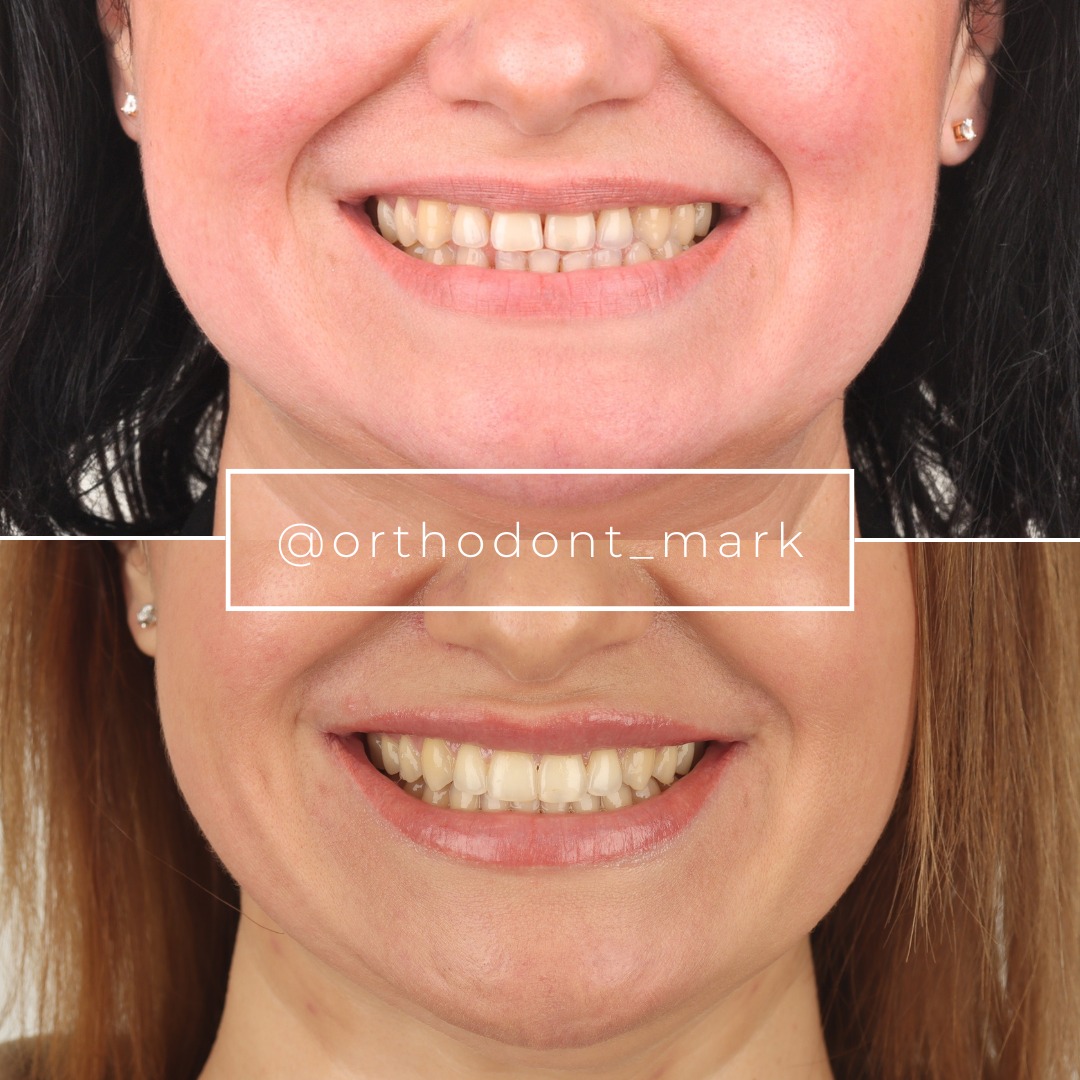
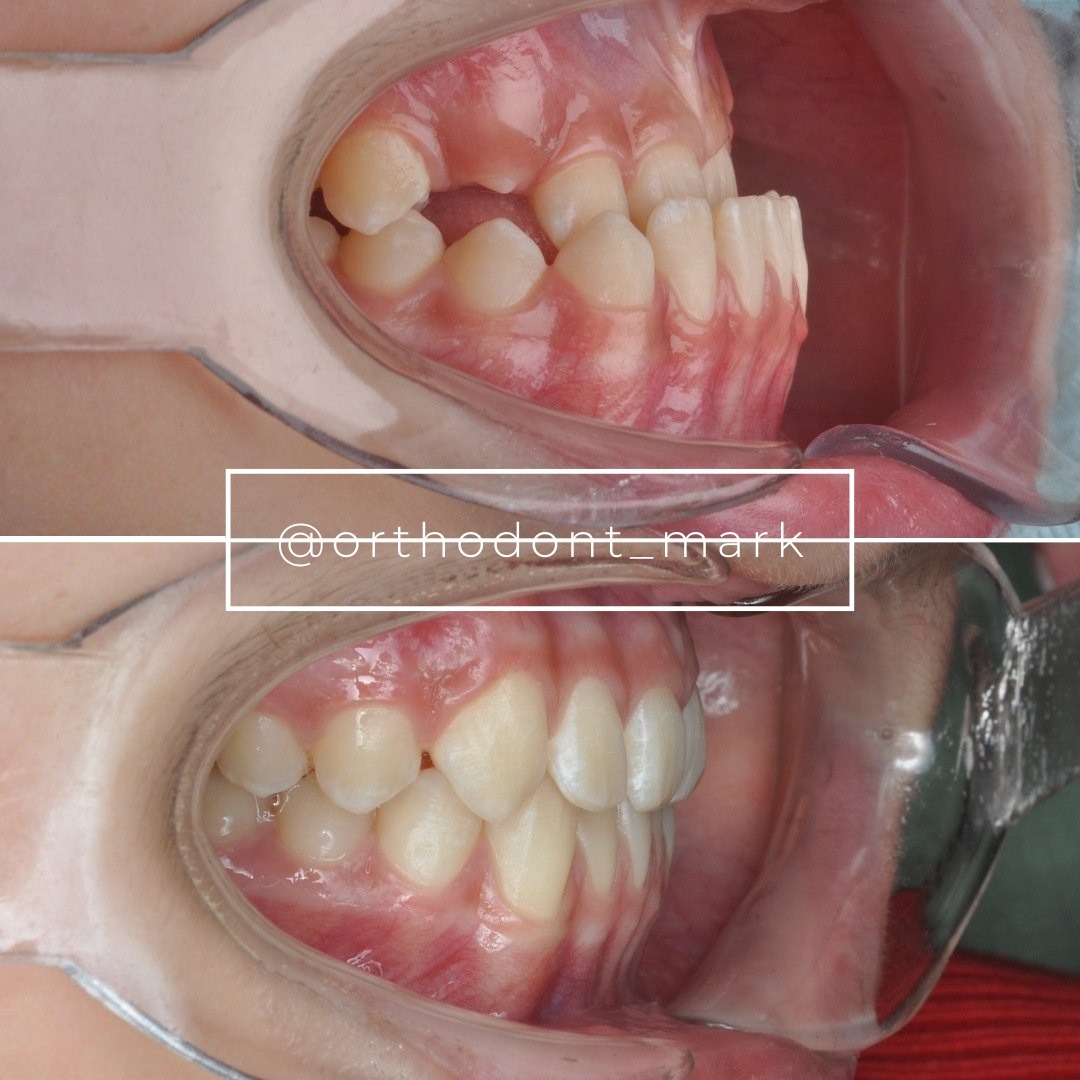
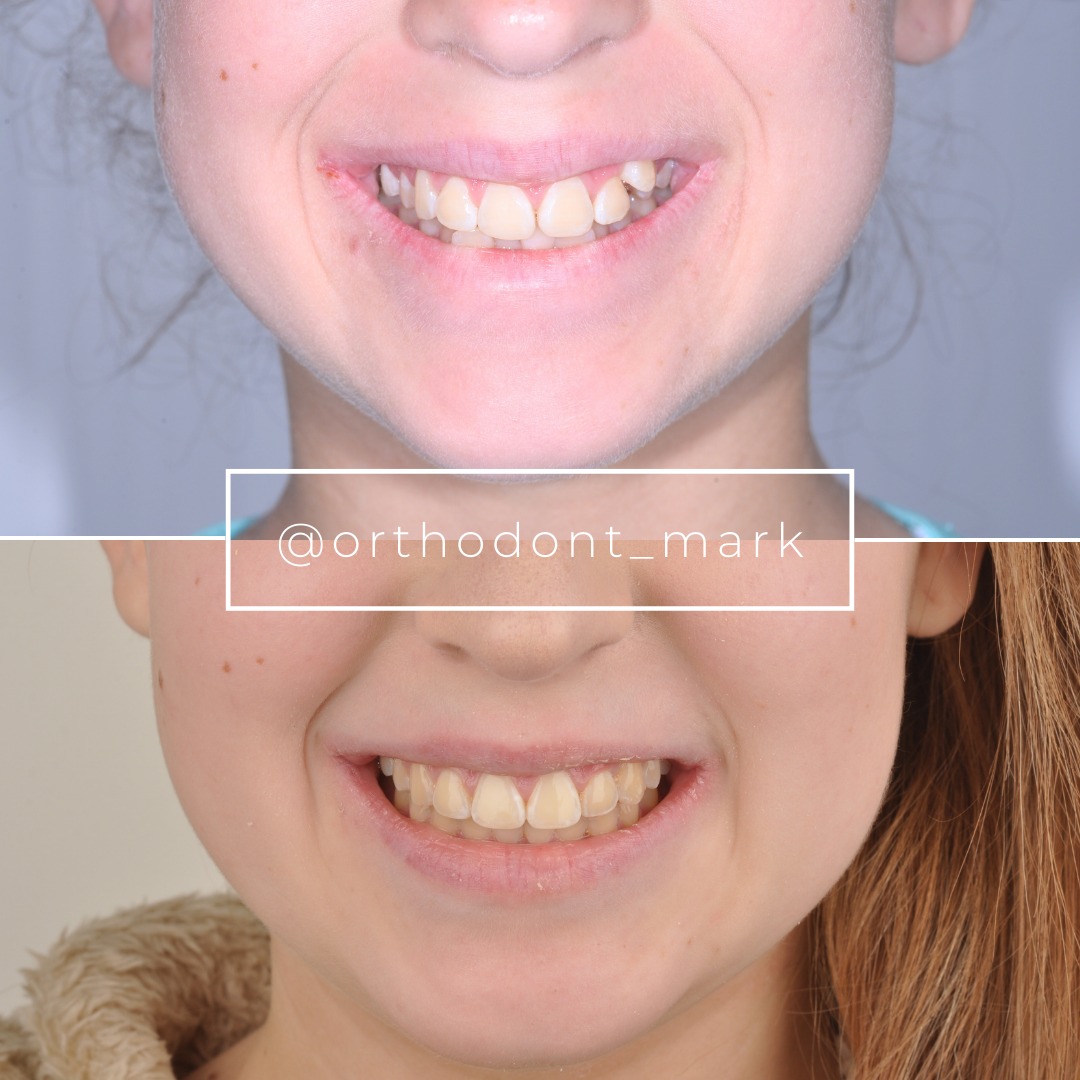
Clinical cases from Dr. Mark Radzhabov's practice
Learn the full MARPE protocol from Dr. Mark Radzhabov
Fundamental course covering CBCT patient selection, miniscrew planning, activation protocols, and 60+ clinical cases. Choose the access level that fits your practice.
Essentials of rapid palatal expansion for practicing orthodontists.
- Core RPE concepts and biomechanics
- 6 structured video lessons
- Clinical decision checklists
- Lifetime access to recordings
Deep-dive into MARPE protocol, diagnostics, and clinical execution.
- 6 modules covering MARPE from A to Z
- CBCT case selection walkthroughs
- Miniscrew placement and activation
- 60+ annotated clinical cases
- Direct Q&A with Dr. Mark Radzhabov
5-element medical consultation framework for dentists and orthodontists.
- Trust-building consultation protocol
- 5 lesson modules
- Templates for treatment plan delivery
- Works with any clinical specialty
Clinical FAQ
What intraoral scanner positioning reduces anterior region fragmentation most effectively?
Approach anterior teeth from three angles: level, 40–50° occlusal, and 40–50° gingival. Deliberate overlap between perspectives prevents grainy, fragmented point clouds and improves mesh registration.
How does scanning strategy affect MARPE miniscrew insertion accuracy?
High-quality palatal capture—including midsuture registration and cortical anatomy—enables accurate miniscrew insertion coordinates and length prediction. Poor palatal scans force supplemental CBCT imaging and increase positional uncertainty.
What is the optimal sensor movement speed for complete palatal capture?
2–3 mm/second prevents under-sampling and allows consistent point cloud overlap. Faster movement produces gaps; slower movement increases patient discomfort without benefit.
Why do partially edentulous arches show greater scanning accuracy deviation?
Implant abutments reflect infrared light differently than natural tooth structure, confusing software registration. Multiple angle approaches and redundant overlapping passes mitigate this distortion.
How can I reduce the need for supplemental CBCT imaging after intraoral scanning?
Ensure high-fidelity hard palate capture with complete cortical anatomy visualization, clear alveolar ridge definition, and uniform mesh without interpolated zones before exporting the STL file.
What is the most common cause of intraoral scan registration failure?
Insufficient overlap at the posterior-to-anterior transition. Deliberate overlap between distal molars and anterior canines, performed as an explicit transition pass, prevents this failure.
How does moisture contamination during scanning affect digital impression accuracy?
Wet surfaces scatter infrared light and produce grainy, low-density point clouds. Brief air drying (3–5 seconds) and light gauze wiping between zones restore surface clarity without damaging gingival tissues.
Why is palatal scanning more difficult than buccal or occlusal surface capture?
The palate's concave geometry and light-reflective hard tissue challenge point cloud registration. Slow speed (2 mm/sec), multiple angle approaches, and 3–4 passes from varied entry points prevent interpolation errors.
What role does real-time quality verification play in reducing scanning rework?
Reviewing mesh density and confidence in the software interface before export allows immediate correction of incomplete regions. A 30-second re-scan is faster than lab rework after model fabrication.
How does standardized scanning protocol compare to device selection in achieving accurate digital impressions?
Evidence shows operator technique and systematic capture sequence reduce model error by 15–25% more than device brand differences. Protocol consistency is the primary accuracy driver.
Your intraoral scan strategy is only as strong as your protocol consistency. By systematizing patient positioning, capture sequence, and artifact recognition, you will generate precise digital models that support confident diagnosis and accurate miniscrew placement planning. Dr. Mark Radzhabov recommends reviewing your scanning workflow against the evidence-based framework presented here—and consider a case consultation to refine your digital diagnostics for complex expansion cases. Excellence in scanning is excellence in treatment planning.